Get a session plan for your team, inside ChatGPT
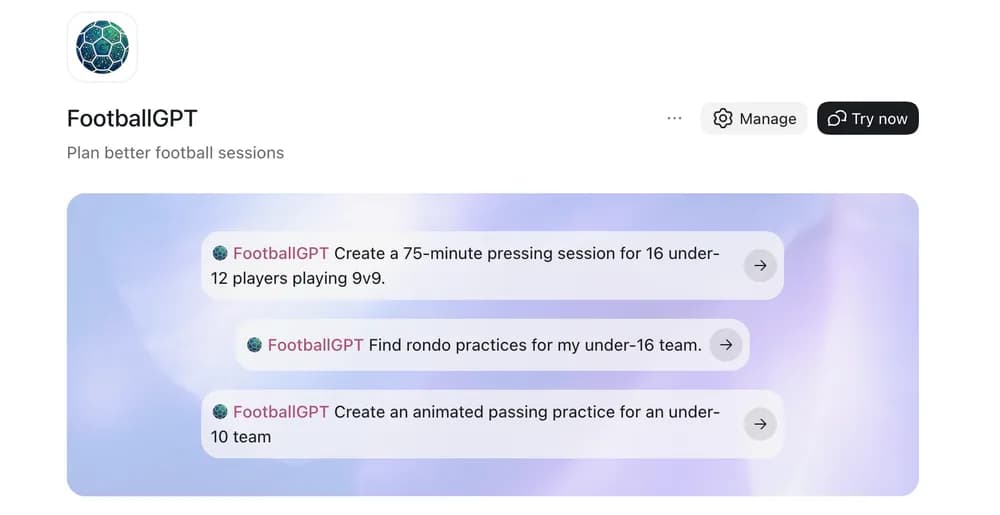
Ask for a session plan, advice or an animated practice. FootballGPT already knows your team.
Open FootballGPT in ChatGPT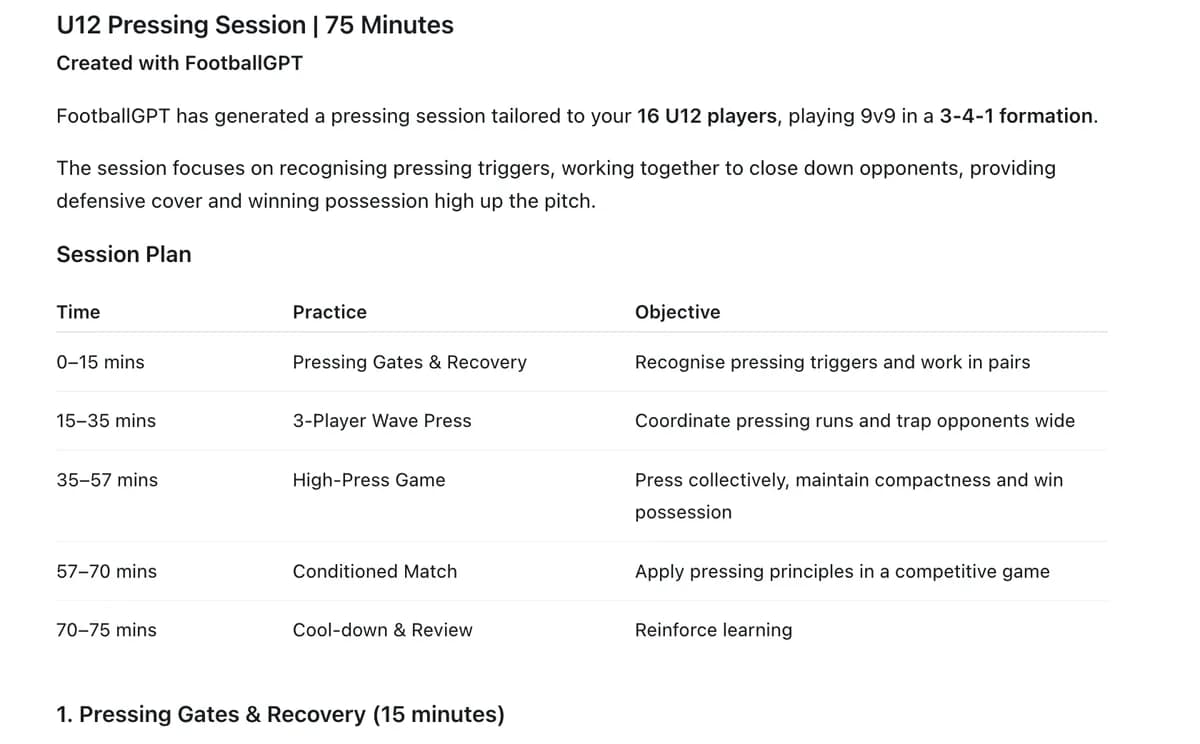
What you get.
Plans that fit your team
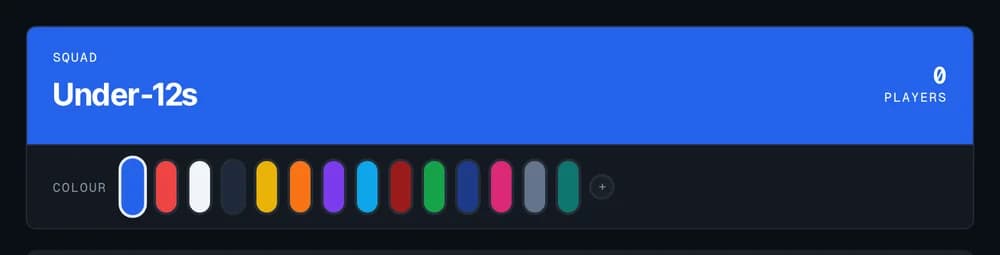
You set your age group, format and formation once. Every plan after that fits them.
A full session in one ask
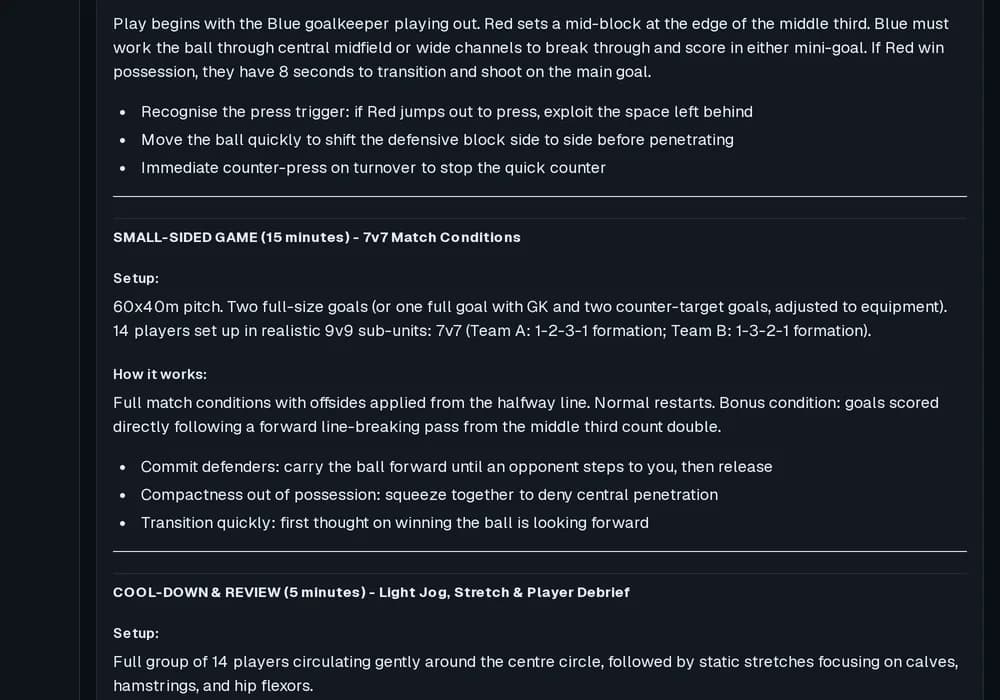
Ask for a warm-up, main practices and a game. You get the whole session, ready for the pitch.
Practices you keep
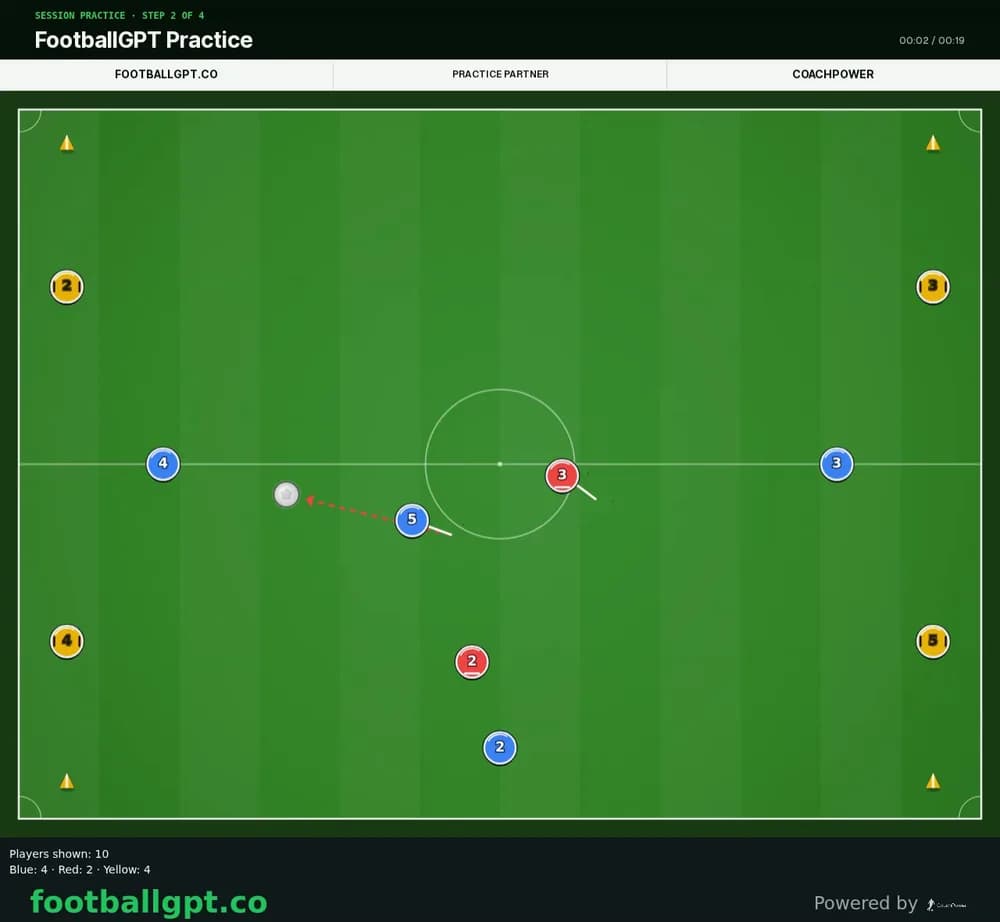
Ask for a practice and it saves to your FootballGPT account as an animated practice you can share.
Your players' names, ages, shirt numbers and notes stay in FootballGPT. They never go to ChatGPT through the app.
Set it up in a minute.
- Open the FootballGPT listing in ChatGPT and choose Connect.
- Sign in to FootballGPT and approve the connection.
- Start a new chat and add FootballGPT from the apps menu.
- Ask for a session. It already knows your team.

Questions.
Do I need to know ChatGPT well?
No. Type what you need, like "Plan a 60 minute session on passing for under-10s". FootballGPT does the football part.
Does ChatGPT see my players?
No. Your players' names, ages, shirt numbers and notes stay in FootballGPT. They never go to ChatGPT through the app.
Why use this instead of asking ChatGPT alone?
FootballGPT already holds your age group, format and formation, so you do not retype them each time.
What do I need to start?
Access depends on your FootballGPT account.